
Reduces thinking load
Managers stop manually matching every task to every person. The system evaluates the options.
A simple way to turn projects, tasks, people, skills, priorities, availability, and time off into a clear optimized Gantt plan.
The hard part is deciding who should do each task, in what order, without overload, without missing skills, and without wasting time.
Managers stop manually matching every task to every person. The system evaluates the options.
Tasks are matched to people using skills, skill level, availability, time off, and capacity.
The system looks for a realistic, time-efficient plan instead of a pretty but unrealistic chart.
Unassigned work is not hidden. The system shows why: missing skill, no capacity, or days off.
Users can still manually drag, adjust, add or remove tasks, and export without losing the full planning logic.
The result is a Gantt, a calendar view, load summaries, project statistics, and documentation.
It combines the work pool and the talent pool, then finds the smartest assignment path.
Projects, tasks, priorities, required skills, tags, estimates, and work units.
People, working hours, days off, work days, skills, and skill levels.
A time-aware Gantt with assignments, load, exceptions, and exports.
It checks what matters, who is available, who has the right skills, and how to finish the work as efficiently as possible.
Project weight, task priority, and tags create a smart work order.
Tasks go only to people with the right work type and skill level.
Working days, daily hours, and days off are included before scheduling.
Better skill fit can reduce task time and improve the full timeline.
A team has 88 tasks, 8 people, different skill levels, vacations, and priorities.
In most advanced Gantt systems, the manager still has to assign each task to a specific person and manually define start and end dates before the chart becomes useful.
Here, the manager only needs to choose the plan start date and define how long each task is estimated to take.
The system receives the task pool and the talent pool - then automatically calculates who should do what, when each task should start, when it should end, and how the full timeline should be built.
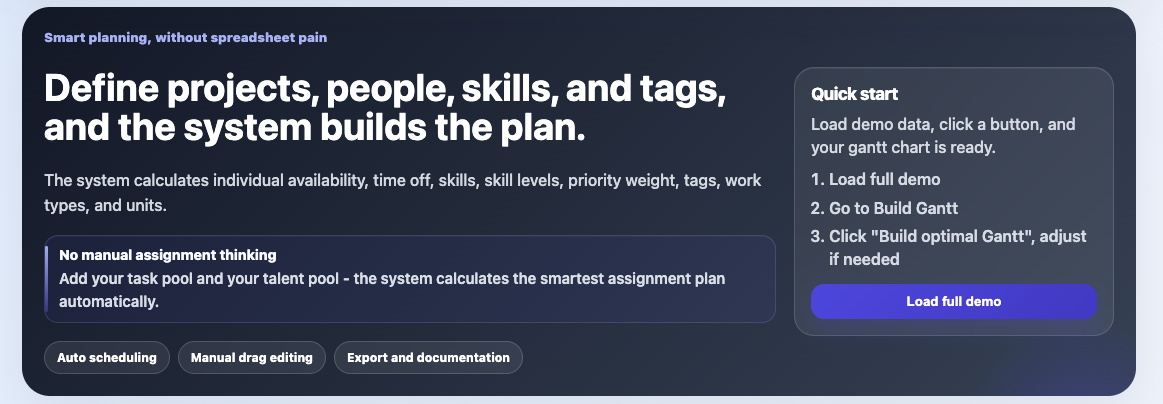
Explains the flow and gives users a fast start.
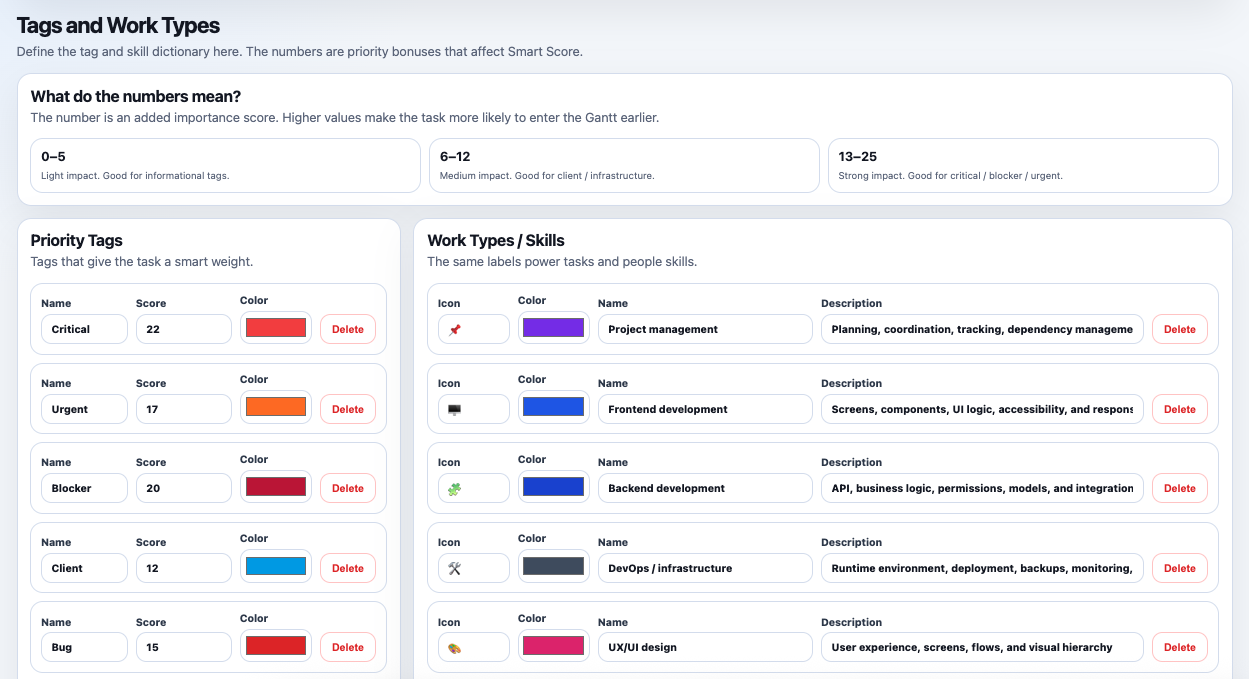
Define what matters and what skills are required.
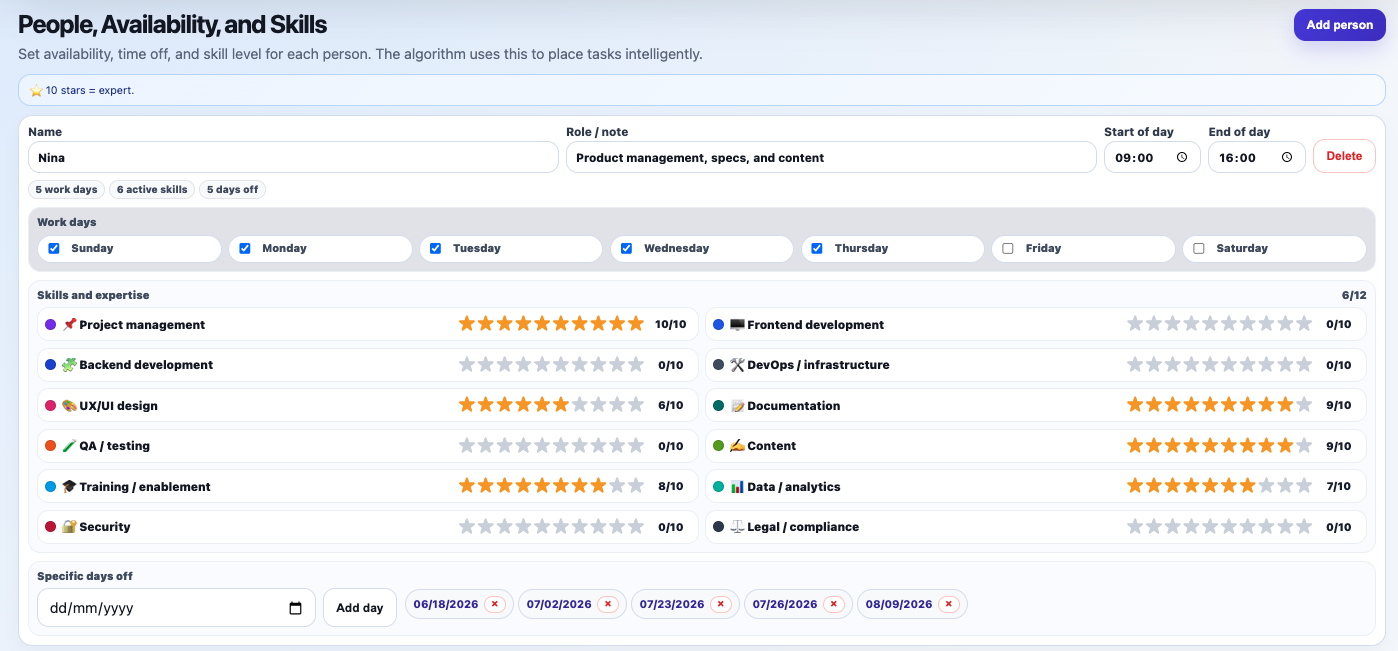
The plan uses real working capacity, not assumptions.
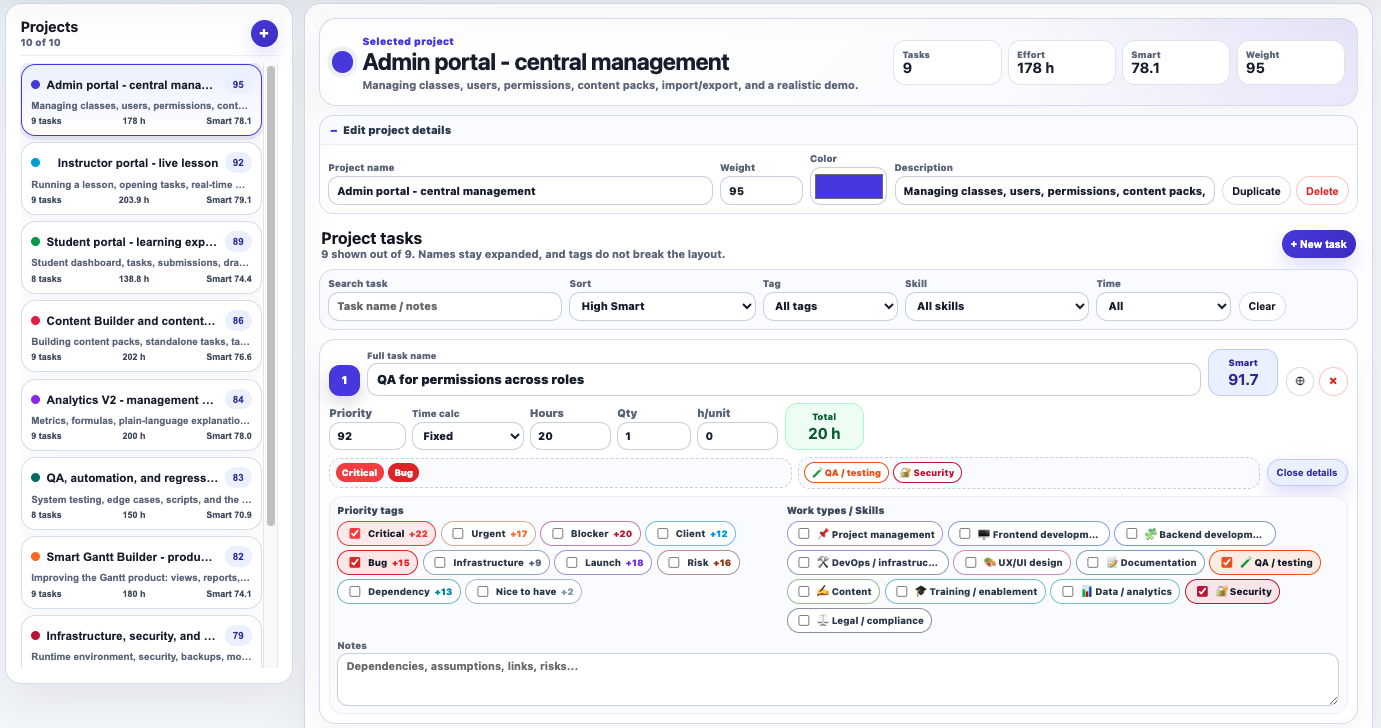
A structured task pool ready for automatic scheduling.
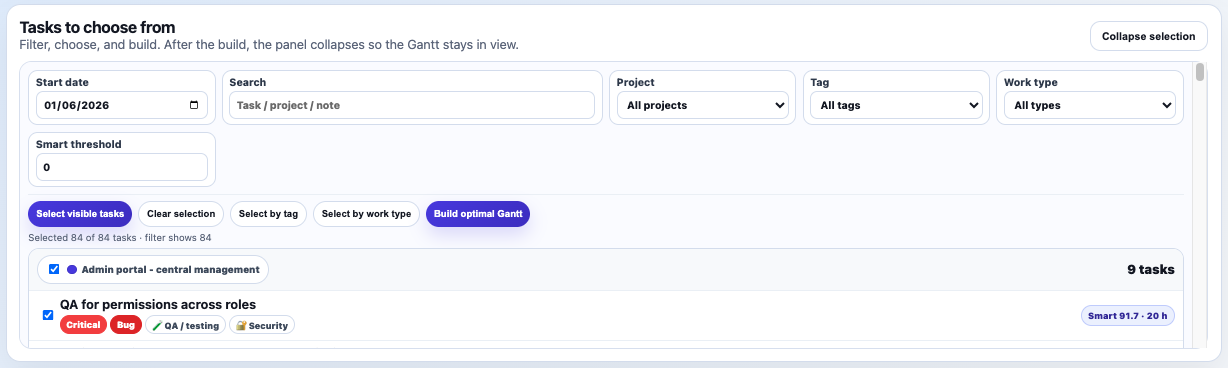
Build the Gantt from all tasks or a focused subset.
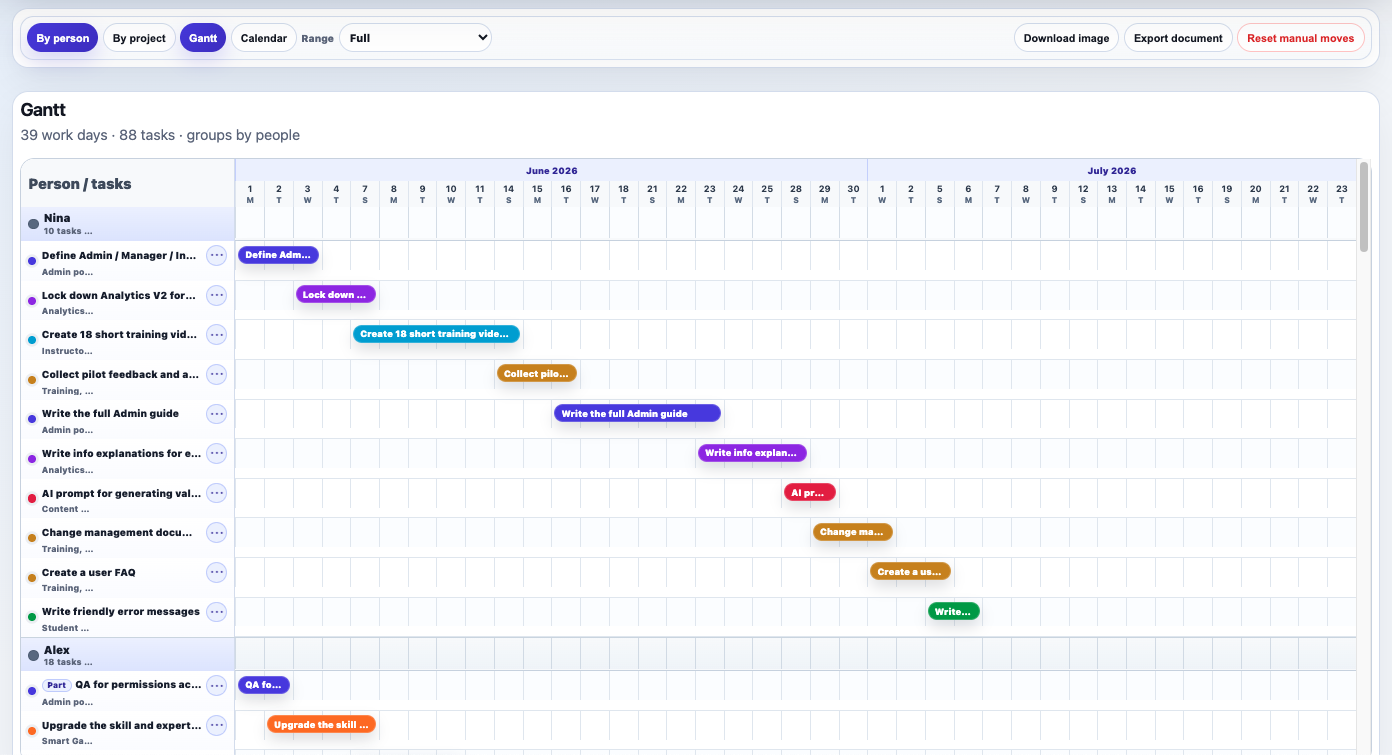
The system assigns work and builds the timeline.
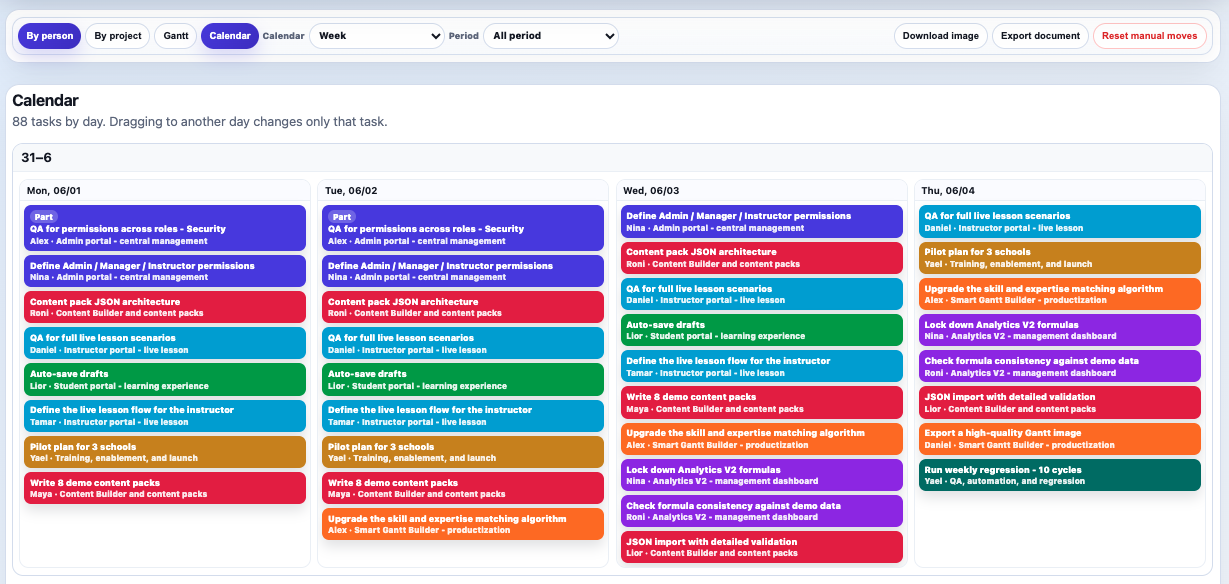
See what happens on each day.

Clear reasons: missing skills, no availability, or no capacity.
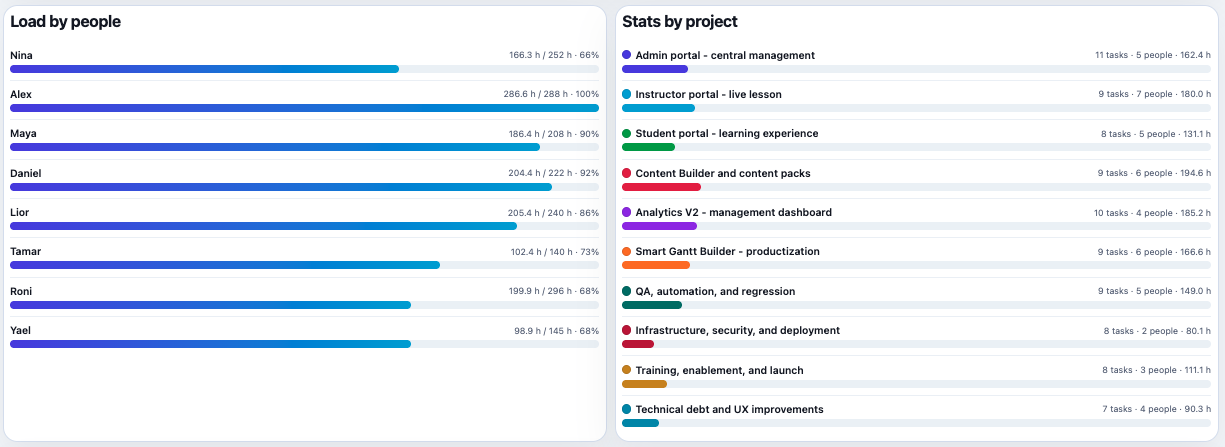
Understand capacity and project distribution at a glance.
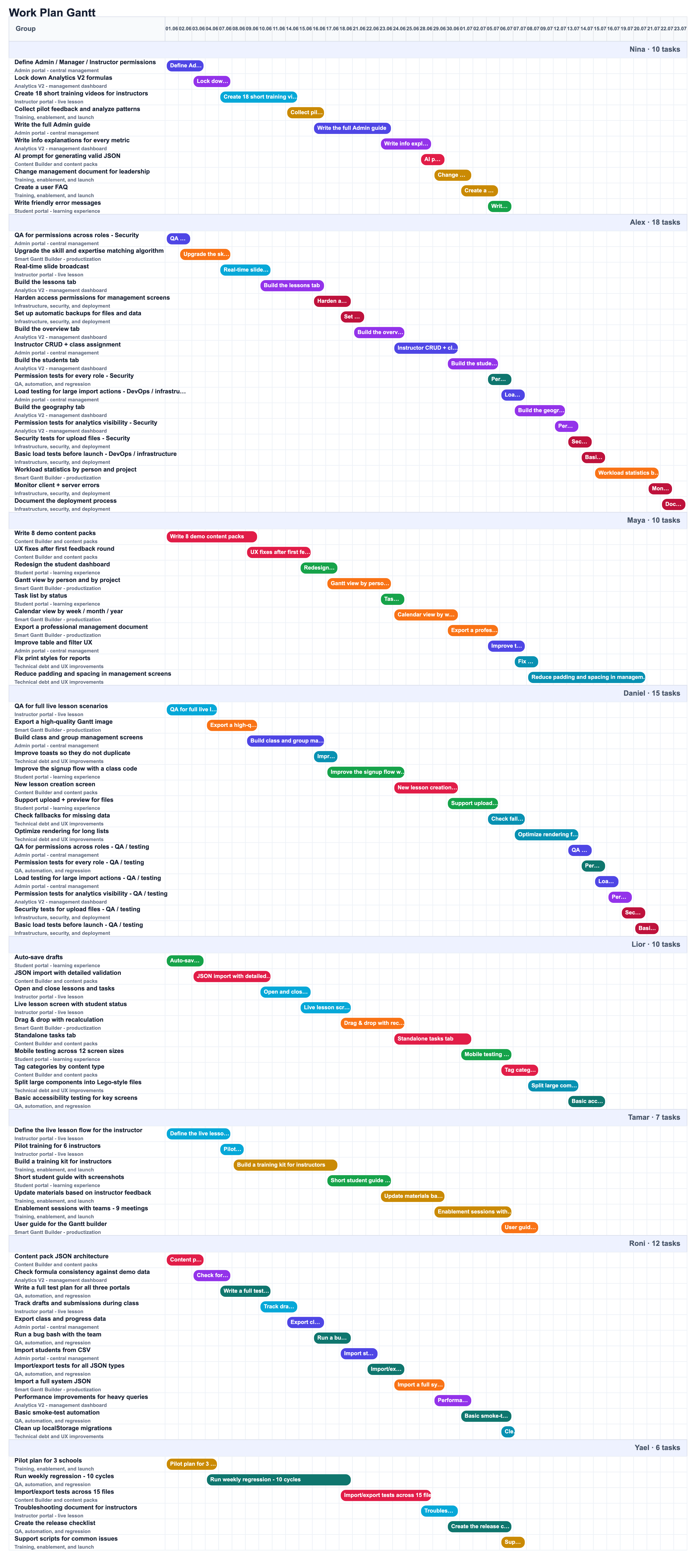
Create a shareable visual work plan.
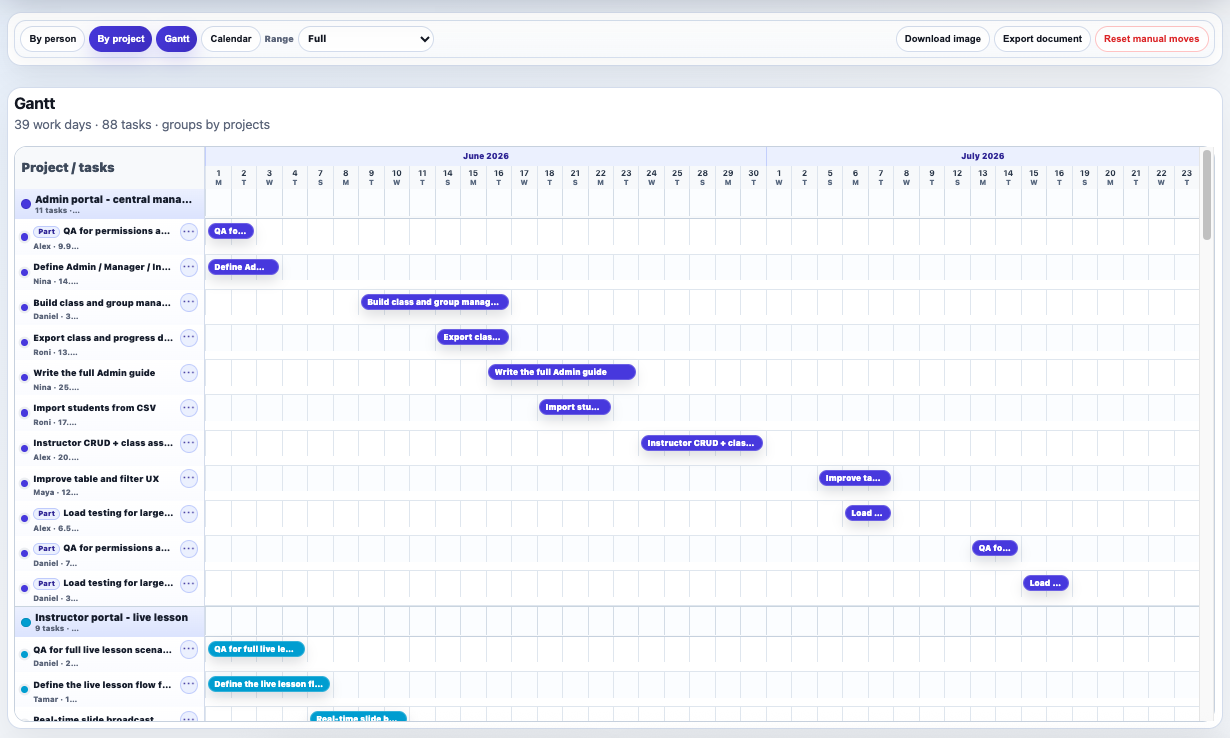
Show workload and project effort clearly.
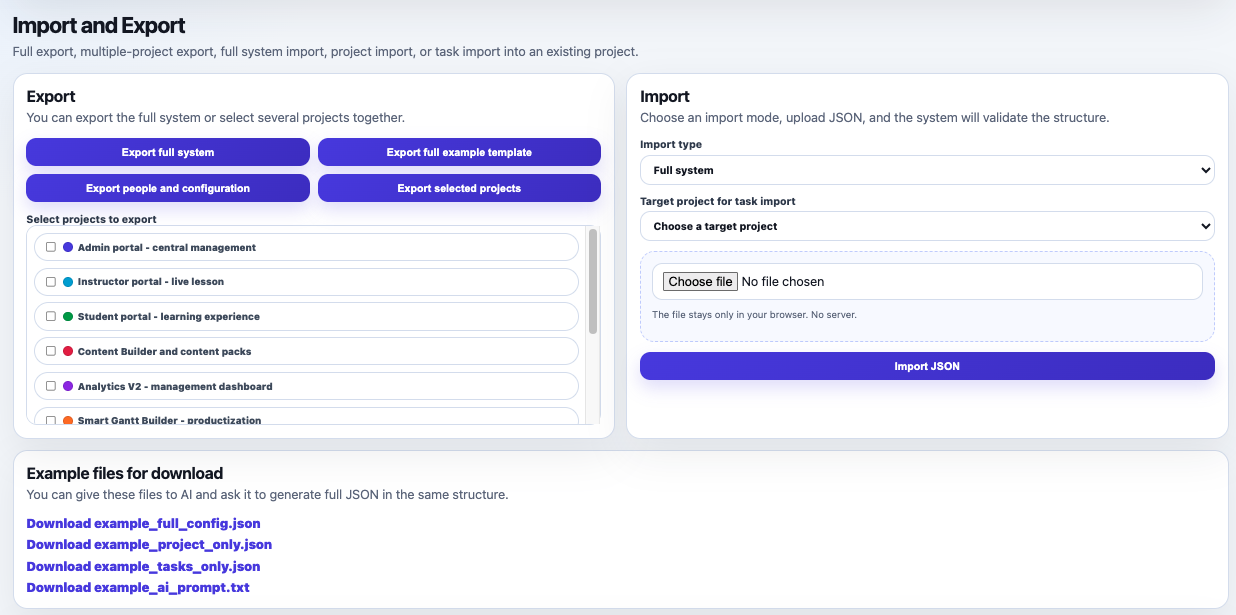
Move from demo, AI-generated JSON, or real project data.
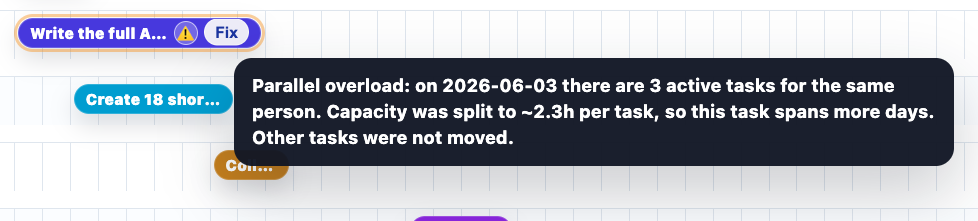
See conflicts, overloads, and practical next steps directly on the Gantt.
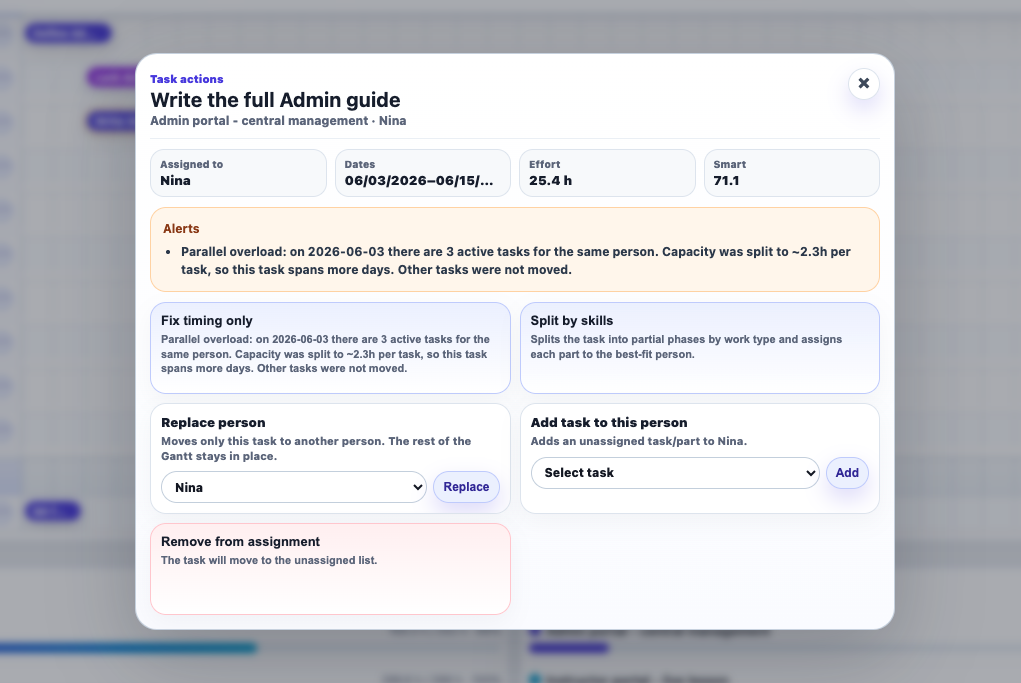
Align assignment from one clear panel without rebuilding the plan.
Open the full generated planning document for review, meetings, and sharing.
The value is in reducing planning work, minimizing managerial guesswork, and making project execution more realistic, transparent, and easier to explain to stakeholders.
Have a question, want a demo, or want to talk about Smart Gantt Builder? Send us a message.
hugo.l@heliconnova.com
Smart Gantt Builder helps teams stop guessing, start assigning intelligently, and explain the plan with confidence.